Text Tier List Maker: Rank Anything Without a Single Image
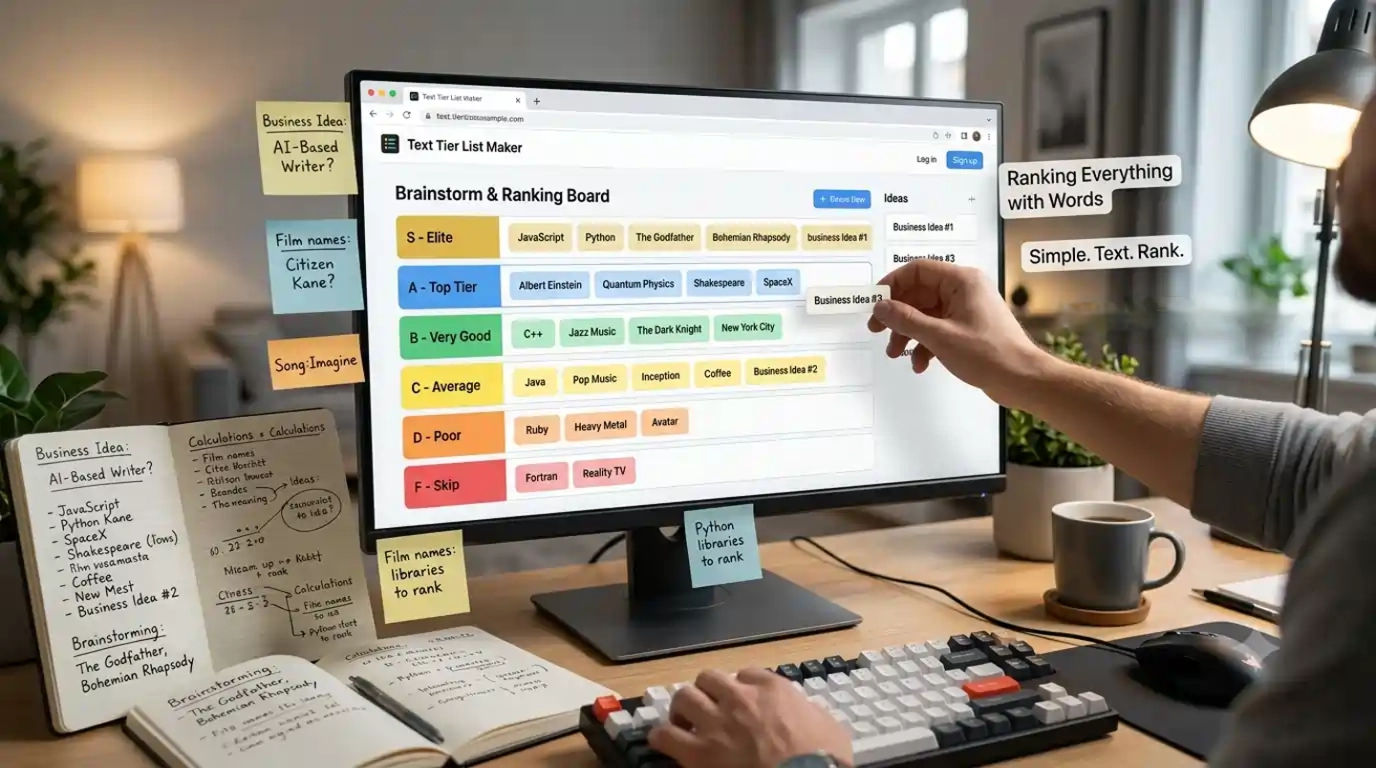
Not everything worth ranking has a picture attached to it. Sometimes you want to rank song titles, movie names, programming languages, business ideas, historical figures, or your friends' opinions, things that exist as words, not images.
That is exactly what the text tier list maker on TheTierMaker is built for. Type your items, drag them into tiers, and share the result, no image uploads, no searching for photos, no formatting hassle. Just words, ranked.
Create a free account to get started. It takes 30 seconds and costs nothing.
Create Free Account, Start Your Text Tier List →
✅ Free forever | ✅ No images needed | ✅ Works on any device | ✅ Free account required to save
What Is a Text Tier List and When Should You Use One?
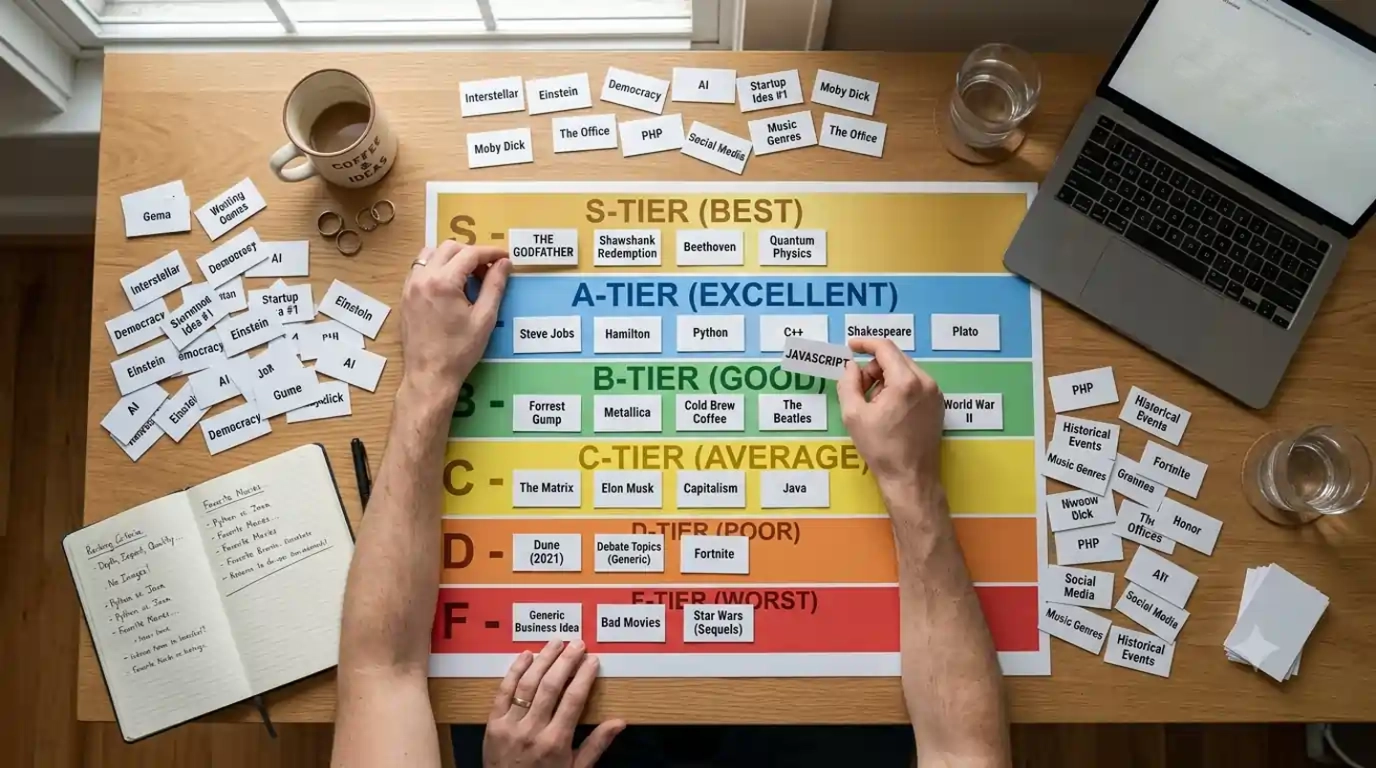
A text tier list is a tier list where every item is a word or phrase instead of an image. The structure is identical to a standard tier list, S, A, B, C, D rows, drag-and-drop ranking, shareable results, but the items are text labels rather than pictures.
You use a text tier list when:
- You are ranking abstract things. Programming languages, business strategies, personality types, arguments in a debate, historical events, philosophical positions. These do not have images that belong in a tier list context. Text labels are the right format.
- You are ranking names, not visuals. Song titles, book names, film names, athlete names, restaurant names, brand names. You could hunt down images for all of these, but that takes time and adds no value. The tier list maker with text gets you to the ranking in seconds.
- You want a clean, readable result. Image-heavy tier lists are visually busy. A text-only tier list is clean, scannable, and easier to read quickly, especially when shared as a screenshot on Reddit, Discord, or Twitter.
- You are working fast. No uploads. No image formatting. No sizing. Just type the item, press enter, and drag it into place. A tier list maker with text removes every step that is not the actual ranking.
- You are in a classroom or professional setting. Text tier lists look more appropriate in educational and workplace contexts than image-heavy ranking charts. Teachers use them for structured debates. Teams use them for prioritization exercises.
How to Make a Text Tier List on TheTierMaker
How to Build a Text Tier List, Step by Step
Step 1: Create Your Free Account Go to thetiermaker.com and create your free account. Enter your email and a password, or sign up with X. No credit card, no personal information beyond your email. Done in under 30 seconds. Your account is what saves your text tier lists permanently, without it, your work disappears when you close the browser.
Step 2: Start a New Tier List and Switch to Text Mode. Once logged in, open the tier list maker and select the text input option. Instead of uploading images or choosing an image template, you will type your items directly into the tool.
Step 3: Add Your Items Type each item you want to rank and add it to the pool. You can add as many items as your topic requires. Song titles, game names, concepts, ideas, people, places, anything that can be written down can go into a text tier list.
Step 4: Set Up Your Tiers The default setup gives you S, A, B, C, and D tiers. Rename them to anything you want, "Essential," "Good," "Mediocre," "Skip,", or any custom labels that suit your topic. Add extra tiers or remove ones you do not need.
Step 5: Drag and Rank Drag each text item from the pool into the tier it belongs in. Rearrange them as many times as you want. There is no limit on edits.
Step 6: Save and Share Save your tier list to your account, then share it via a direct link or download it as an image. One link is all you need to start a debate on Discord, Reddit, Twitter, or anywhere else.
What to Rank With a Text Tier List
50 Text Tier List Ideas, No Images Required
The text format opens up categories that image-based tier lists struggle with. Here are ideas across every niche:
Gaming (text labels)
- Every Pokémon type ranked
- Call of Duty maps by name
- Elden Ring boss names
- Minecraft biomes
- Game mechanics ranked by fun
- Battle pass seasons
- Game studios ranked
- Gaming controversies ranked
Music
- Every Taylor Swift album ranked
- Best Kendrick Lamar tracks
- Hip hop decades ranked
- Music genres ranked
- Best live performers
- Most overrated artists
- Grammy winners ranked
- Best debut albums
Film and TV
- Every MCU film ranked by title
- Best TV show finales
- Most disappointing sequels
- Best villain names
- Streaming platforms ranked
- Best directors ranked
- Worst reboots
- Best sci-fi concepts
Food and Restaurants
- Fast food chains ranked
- Coffee shop chains
- Pizza styles
- Condiments ranked
- Most overrated foods
- Best comfort foods
- Cuisines by country
- Worst food trends
Sports
- Premier League clubs ranked
- Best NBA point guards of all time
- Football formations ranked
- Sports ranked by difficulty
- Most exciting tournaments
- Best sporting rivalries
- Most overrated sports moments
Education and Work
- Programming languages ranked
- Project management frameworks
- Meeting types ranked
- Study methods ranked
- Career paths ranked
- Management styles
- Business buzzwords ranked
- Productivity tools
Opinion and Culture
- Social media platforms ranked
- Internet arguments ranked
- Life advice ranked
- Best decades ranked
- Most influential inventions
- Personality types ranked
- Best cities to live in
- Most overrated cultural phenomena
Classroom and Educational
- US presidents ranked by impact
- Scientific discoveries ranked
- Literary genres ranked
- Historical empires ranked
- World leaders ranked
- Philosophical schools of thought
- Economic systems ranked
- Environmental issues by urgency
The text format works for all of these. No images needed for any of them.
Text vs. Image Tier Lists: Which Should You Use?
Text Tier List vs Image Tier List: Choosing the Right Format
Both formats have the same core function, ranking things into tiers. The format you choose depends on your topic and your audience.
Use a text tier list when:
- The items are concepts, names, or ideas
- You want to rank something quickly without sourcing images
- You are making a list for a professional, educational, or workplace context
- You want a clean, minimal visual that is easy to read at a glance
- You are ranking a large number of items and image formatting would be time-consuming
Use an image tier list when:
- The items are visually distinct, characters, logos, products, kits, album covers
- Your audience expects images (gaming communities, anime fans)
- The visual comparison adds meaning to the ranking
- You are posting to a community that reacts better to visual content
When both work: Many topics work well in either format. A fast food tier list can use chain logos or just the chain names. A gaming tier list can use character artwork or just character names. If you are short on time, go text. If the visual identity of the items matters to your audience, go with images.
TheTierMaker supports both. You can mix text and image items in the same tier list, which gives you the flexibility to start with text and add images later or use text labels for items you cannot find good images.
Use Cases in Detail
Who Uses the Text Tier List Maker, and How
Content Creators: YouTubers and streamers use text tier lists for opinion videos and ranking streams. Text format works especially well for "tier listing everything" videos where the items are titles or names rather than visual assets. The clean layout reads well on screen and is easy to build live during a recording or stream.
Reddit and Discord Communities: Text tier lists are common in communities that rank things by name, music subreddits ranking albums, book communities ranking authors, TV communities ranking episodes by title. The text format shares cleanly as a screenshot and immediately sparks replies from people who disagree.
Teachers and Educators: A text tier list maker is one of the more versatile classroom tools available. Students can rank historical events, literary works, scientific theories, or political systems using a structured visual format that makes comparison and argument visible. The text-only format keeps the focus on the content rather than the aesthetics.
Teams and Professionals: Product teams use text tier lists to prioritize features. Marketing teams use them to rank campaign ideas. Strategy teams use them to evaluate options. The tier format makes relative priority visible in a way that a numbered list does not, items in the same tier are equal, items in higher tiers are more important. It is a fast, visual decision-making tool that works in meetings and async discussions equally well.
Students: Ranking ideas for essays, debate prep, exam revision, or project planning. A text tier list is faster to build than a written comparison and easier to update as thinking develops.
Why TheTierMaker for Text Tier Lists
Why Build Your Text Tier List on TheTierMaker
- Your lists are saved permanently. Every text tier list you build is stored in your account. Come back and edit it whenever rankings change, new items come up, or you change your mind. Nothing is lost when you close the browser.
- Share with a single link. Every saved tier list gets its own URL. Share it anywhere, one link, no friction. Whoever opens it sees the full ranked list instantly.
- Mix text and images in the same list. TheTierMaker lets you combine text labels and images in the same tier list. Start with text, add images where they make sense, or keep it entirely text-based. The tool handles both.
- Clean, readable output. The text tier list format on TheTierMaker produces a clean, well-spaced visual that reads well as a screenshot. No watermarks. No clutter. Just your ranking.
- Works on every device. Build your text tier list on a laptop, Chromebook, tablet, or phone. The tool is fully responsive and browser-based, no downloads or extensions needed.
- Free account, full access. Create your free account once and every feature is unlocked. No paywalls, no premium tiers, no credit card required, ever.
Frequently Asked Questions
What is a text tier list maker? A text tier list maker is an online tool that lets you create tier lists using words and phrases instead of images. You type your items, drag them into S, A, B, C, or D tiers, and share the result. It is ideal for ranking anything that does not have a relevant image, concepts, names, titles, ideas, and opinions.
Do I need images to make a tier list on TheTierMaker? No. TheTierMaker supports text-only tier lists. Type your items directly and rank them without uploading a single image. You can also mix text items and image items in the same tier list if you want.
Do I need an account to use the text tier list maker? Yes. A free account is required to use TheTierMaker and save your tier lists. Creating an account takes 30 seconds, costs nothing, and never requires a credit card. Without an account, your tier list cannot be saved or shared via a permanent link.
Can I rename the tiers in a text tier list? Yes. Click on any tier label to rename it. Change S, A, B, C, D to anything you want, custom names, emoji, descriptive labels. The tier names are fully editable.
Can I share my text tier list? Yes. Once saved to your account, every tier list gets a unique shareable link. Copy the link and post it anywhere: Discord, Reddit, Twitter, group chats, or anywhere your audience is.
Can I download my text tier list as an image? Yes. Save your tier list and download it as an image file. The output is clean, watermark-free, and ready to share as a screenshot.
How many items can I add to a text tier list? There is no hard limit on the number of text items you can add. Large lists with 50 or more items are fully supported.
Can I use a text tier list for a school project? Yes. Text tier lists work well for educational projects, classroom debates, and study exercises across every subject. The format is clean, structured, and appropriate for academic use.
Can I add images to a text tier list later? Yes. TheTierMaker lets you mix text items and image items in the same tier list. Start with text, then add images to individual items at any point.
What is the difference between a text tier list and a regular tier list? A regular tier list uses images as items. A text tier list uses words or phrases. The ranking structure, S through D tiers, drag-and-drop interface, shareable output, is identical. The only difference is the format of the items being ranked.
Start Your Text Tier List, Free Account, 30 Seconds
You do not need images to make a great tier list. Type your items, rank them, and share the result. TheTierMaker's text tier list maker is free, fast, and built for exactly this.
Create your free account and start ranking in under a minute.
Create Free Account, Start Ranking With Text →
Already have an account? Log In →
Or jump straight to an image-based template: Browse All Templates →